
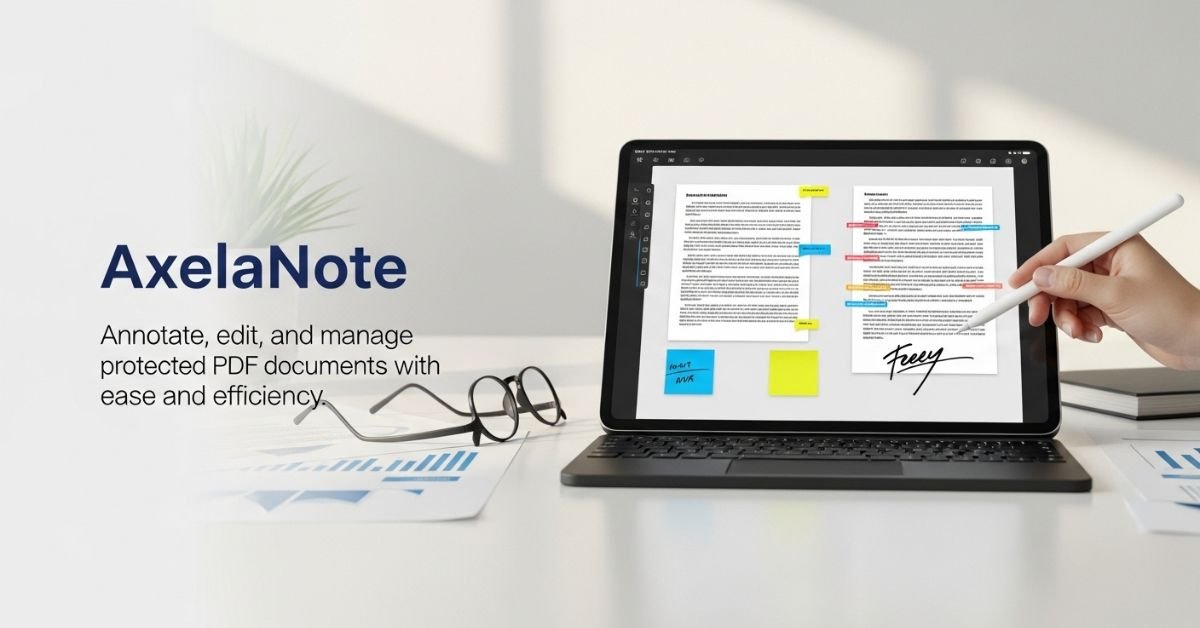
AxelaNote Explained: Easily Annotate and Edit Protected PDFs on Windows

Introduction to AxelaNote
Is it getting old dealing with PDFs that just won’t budge? Introducing AxelaNote, a robust application made to streamline your daily tasks. Whether you’re a professional handling critical reports or a student juggling tasks, this program has you covered. Protected PDFs are now easier than ever to annotate and edit using AxelaNote’s user-friendly interface and powerful functionality. Discover why AxelaNote is a must-have for your toolbox and bid farewell to the agony of restricted options hello, effective document management!
Features of AxelaNote
The user-friendly design of AxelaNote makes PDF annotating a snap. Users won’t feel overwhelmed as they move through papers.
It can modify protected PDFs, which is a major feature. This opens up the possibility of annotating or highlighting areas of files that would otherwise be inaccessible.
The tool provides a range of annotation options, such as text boxes, freehand sketching, and sticky notes. Customized comments can be left on any document using these options.
Furthermore, they facilitate teamwork by letting several users annotate at the same time. Teams collaborating on a single project will love this function.
Your data will be safe and available at all times thanks to the connection with cloud storage providers. By integrating all of these elements, AxelaNote revolutionizes the way we engage with PDFs.
How to Use AxelaNote
It is easy to begin using AxelaNote. Get the program onto your Windows device and run the installation. The easy navigation and user-friendly design are sure to put you at ease.
Pressing the “Open” button on the toolbar will open a protected PDF file. Almost immediately, AxelaNote will get you access to its editing tools.
Choose the text or region you like to emphasize in order to add an annotation. Make your remarks stand out with the help of features like shapes, freehand drawing tools, and sticky notes.
Editing required? To edit text that is already there in your document, just click the text tool. As required, you may also insert pictures or extra pages.
When you’re done editing, just choose “Save As” to save your annotated PDF. This way, you may make changes and then, if needed, keep the original document.
Benefits of Using for Annotating and Editing PDFs
Because it makes annotating and altering PDFs easier, AxelaNote is a popular tool among users. Anyone, even those without prior experience, may swiftly learn how to use it because to its intuitive design.
Among the many benefits is the ability to easily annotate encrypted PDFs. It easily gets around limitations, which is a problem for many editors. This allows you to securely annotate crucial documents while making meaningful comments on them.
Plus, with AxelaNote’s features, collaborating is a snap. Improving collaboration and communication, users may simply share annotated papers with customers or coworkers for comments.
Another notable feature is the effective search capability. When doing research or reviews, you may save time by quickly locating relevant material inside your PDFs.
The platform promotes in-depth content involvement without complicating things too much for consumers by including features like highlighting and commenting.
Comparison with Other PDF Editors
Several important distinctions become apparent when comparing AxelaNote to other PDF editors. While most conventional PDF editors only provide limited editing capabilities, AxelaNote really comes into its own when it comes to easily annotating and altering encrypted PDFs.
You can make extensive changes, unlike some of their rivals who just let you read or print protected documents. For experts who need to work on confidential material or give comments, this one-of-a-kind tool is priceless.
Although there is a high learning curve associated with various settings, AxelaNote provides an easy-to-understand interface. Without a lot of instruction, users may easily find their way around its many functions.
Furthermore, decision-making is heavily influenced by price. When compared to other high-end options that are too feature-packed, it frequently offers greater versatility for people who are watching their budgets.
Among the many PDF editing options on the market today, AxelaNote stands out thanks to its combination of ease of use and robust features.
Testimonials from Users
Testimonials about AxelaNote have praised its user-friendliness and robust set of capabilities. The ease with which PDFs may be annotated is much appreciated.
“I never imagined it would be this easy to edit a protected PDF!” said one user. AxelaNote revolutionized my process. Those in the working world who frequently handle intricate paperwork will relate to this idea.
“Whenever I had questions, the team was quick to help me,” said one satisfied client, highlighting the helpfulness of the customer service department. Their concern for their users is evident.
Its note-taking and highlighting features are extremely useful for students. “No more scribbling on paper or losing track of important points—it made studying so much easier,” remarked a college student.
These examples from actual users’ experiences demonstrate how AxelaNote caters to a wide range of industries’ demands while maintaining a consistent user experience.
Conclusion
If you need to annotate or alter encrypted PDFs on Windows, AxelaNote is a powerful tool to have on hand. Both novices and seasoned pros will find it easy to use because to its intuitive design and extensive set of functions. An easy way to deal with PDFs is using AxelaNote, which has features like text highlighting, note taking, and form filling.
Notably impressive is the ability to keep documents secure while still letting people annotate them as needed. Protecting sensitive information without compromising usability is the goal of this function.
While you’re exploring AxelaNote’s features, make note of how its benefits compare to those of competing PDF editors. The efficiency and simplicity with which it functions have been praised by several users.
It appears to be well-positioned to stay relevant in the ever-changing world of digital documentation tools, thanks to upcoming upgrades and improvements. Your productivity while dealing with PDFs might be completely transformed if you use this program.
